

 Lifehacker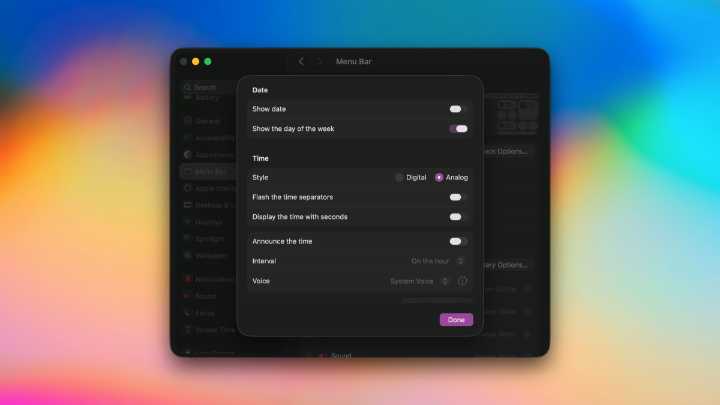
When I switched to a Mac about a decade ago, I immediately fell in love with my MacBook's menu bar, and especially the various icons in its top-right corner. I've always enjoyed keeping useful menu bar apps there, such as clipboard managers, app launchers, or apps that update other apps. But unfortunately, if you've installed more than a few third-party apps on your MacBook, your menu bar might be pretty cluttered. It's nothing a quick clean-up can't fix, though, and now macOS ships with a few ways to help fix your messy menu bar.
Remove apps from the menu bar
Just as you'd remove unwanted items from your desk, you should periodically declutter the menu bar by removing apps that don't need to be there. This doesn't uninstall those apps, but it does free up some space in your menu bar. I

 The Shaw Local News State
 101.5 KNUE
 Cheboygan Daily Tribune
 AlterNet
 New York Magazine
 The Conversation
 Cleveland Jewish News