

 Tom's Guide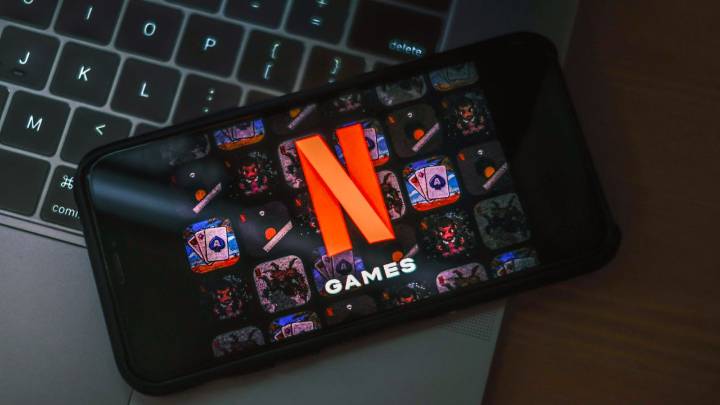
Netflix games aren't just for your phone anymore; you can now play them on your TV, and the setup is easier than you'd expect. There's no need for special controllers, gaming consoles or extra purchases. Your phone becomes the controller, which means you already have everything you need to start playing.
Whether you're tackling solo adventures or gathering friends for multiplayer games, Netflix has built a library of titles you can play directly on your TV screen. Everything from party challenges to arcade classics is included with your existing subscription at no extra cost. All you need is your TV, your phone and a few minutes to get connected. Here's how to start playing.
1. Find Netflix games on your smart TV
Open Netflix on your smart TV and look for the Games row in your main menu

 The Hill
 The Fashion Spot
 The Daily Mash
 Digital Trends
 ESPN Cricket Headlines
 AlterNet
 The Conversation
 Android Central
 Raw Story