

 Android Central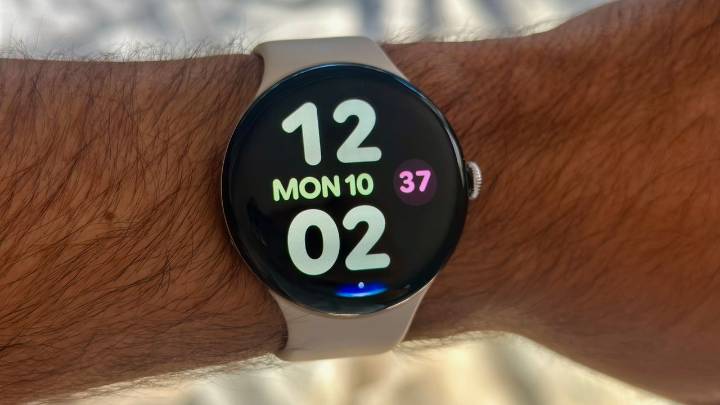
The Google Pixel Watch 4 is jam-packed with features, enough that it's hard to keep track of everything you can, or should, be doing with your new smartwatch! Since I've been using it for months, even after my Pixel Watch 4 review, I can help you get started.
Google takes you through the basics during the initial Watch 4 setup, like connecting your Google email or syncing it with the Fitbit app. This Pixel Watch 4 beginner's guide will focus on features you're expected to find on your own.
These aren't necessarily hidden tricks, but they're tools that'll lay dormant in submenus until you find them. Let's optimize your Pixel Watch 4 settings so you get the best possible experience.
Customize your watch faces and theme
Tap and hold your watch face, then swipe left and right to move betwe

 Tech Times
 The Daily Bonnet
 ESPN NBA Headlines
 OK Magazine
 The List
 RadarOnline
 AlterNet
 Law & Crime
 NBC News