

 Livemint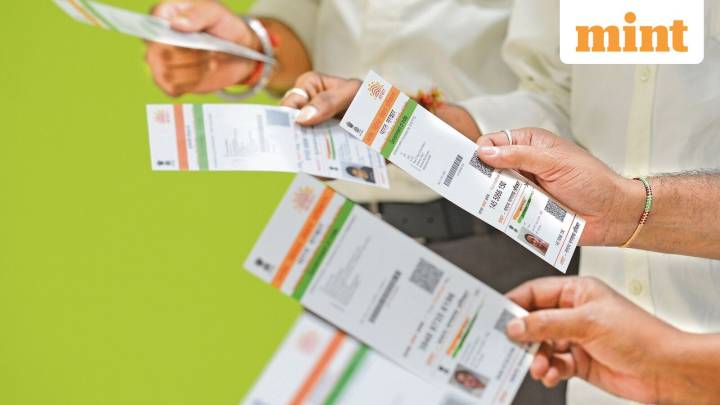
The Unique Identification Authority of India (UIDAI) updated Aadhaar app allows users to change their linked mobile phone number from home without the need to visit an Aadhaar enrolment centre.
The measure aims to reduce need to physically visit the Aadhaar enrollment centre and is a big relief for senior citizens and those with reduced access (mobility issues, resident far away from closest office, etc).
Here's a step-by-step guide on how to change your Aadhaar phone number
Download the Aadhaar app on your smartphone — Android (Google Play Store) or iOS (Apple App Store).
Once on the app, select the ‘Mobile Number Update’ — this option has been made live
Fill in your updated phone number and the app will send you a one-time password ( OTP ) to the new number and request face au

 DNA India
 Roll Call
 AlterNet
 Raw Story
 KQED Arts & Culture
 Vanity Fair Politics
 America News
 HealthDay