

 Tom's Guide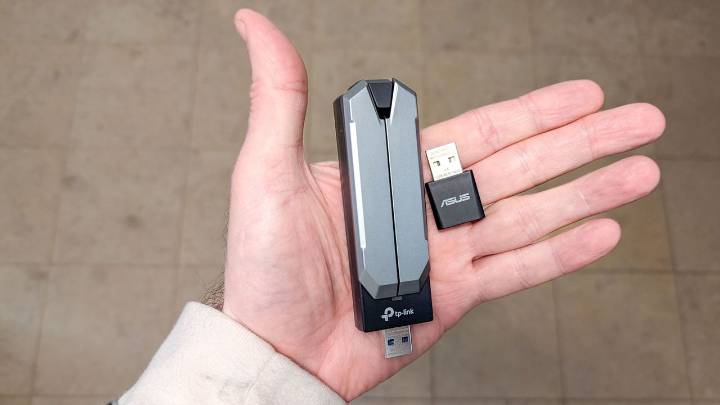
If your computer doesn't have built-in Wi-Fi or an ethernet port, or if those connections aren't working properly, you're not stuck without internet. USB ports offer multiple ways to get online, whether you need a wired connection, wireless access, or want to use your phone's data in a pinch.
USB adapters can add ethernet or Wi-Fi capabilities to any computer with an available USB port, and most modern computers can also share internet directly from your smartphone through USB tethering. These solutions work for both desktop and laptop computers, and setup is straightforward.
Here's how to get internet access through your USB ports.
1. Use a USB to Ethernet adapter
A USB to Ethernet adapter plugs into any USB port and gives you a standard ethernet jack for connecting an ethernet cable.

 Tech Times
 New York Post
 ABC News
 NBC12
NBC12 The Daily Sentinel
 CNBC
CNBC IFL Science
 Esquire